

PLAN WORK AHEAD AND TRACK OFFICE HOURS
MintHCM time management covers daily work schedules, absences and the projects and tasks of each employee.
Time management in MintHCM goes beyond a clock-in and clock-out mechanism and organizes the working day of each employee. You can plan future events, track office hours and draw conclusions about how busy the team is. Employees fill in their open work schedules, and the time spent on each assignment shows how demanding their duties are.
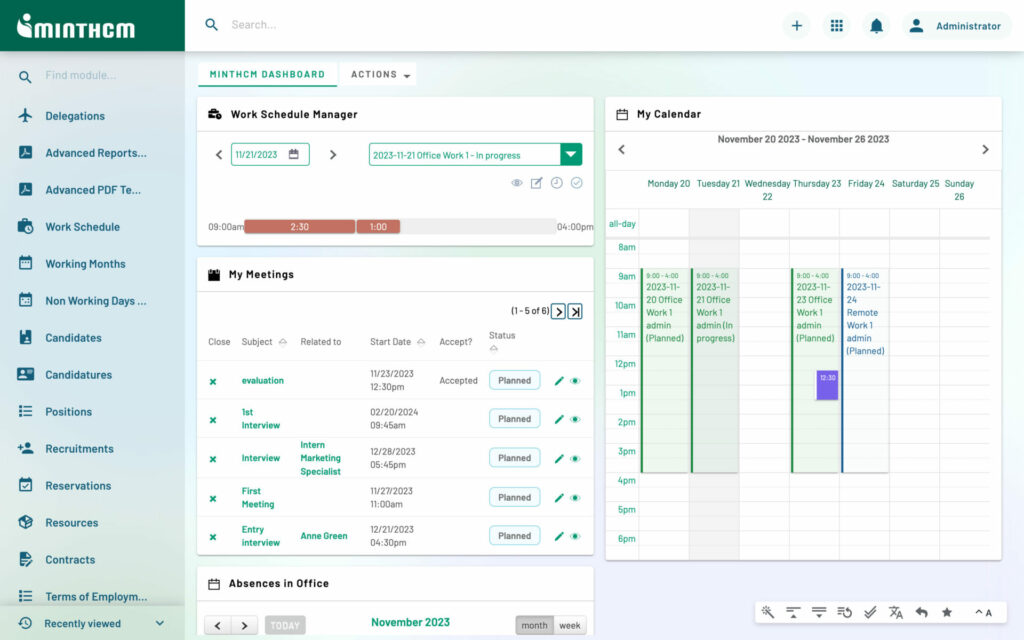
TIME MANAGEMENT TOOLS
MY DAILY WORK SCHEDULES
A list of open work schedules that still need to be filled in with information.
WORK SCHEDULE MANAGER
A timeline of the daily tasks users add to their work schedules, with the time spent on each assignment.
ABSENCES
A calendar dashlet that shows who works from home or cannot be reached for another reason on a given day.
MY PROJECTS
The projects assigned to an employee, with their status, so that work can be prioritized.
MY PROJECT TASKS
The tasks within each project, for a closer view of the amount of work.
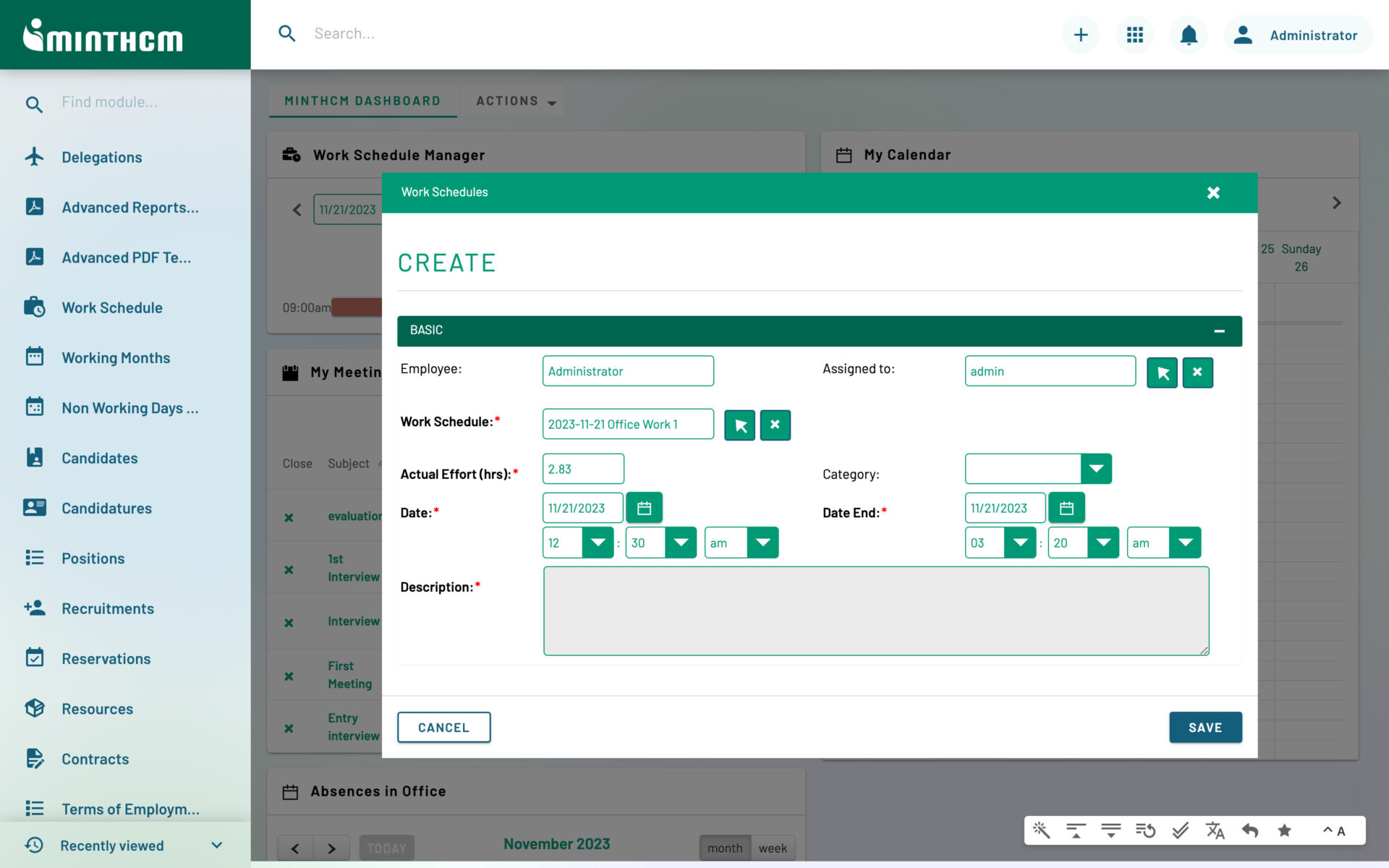
WORK SCHEDULE MANAGER
Work Schedule Manager shows the working day as a timeline of tasks. The timeline shows how time-consuming the duties of each employee are.
MY PROJECTS
My Projects lists the projects of an employee with their current status, so the most important work can go first.
WITH AN AI ASSISTANT
Your AI assistant can work with Time management data through the MintHCM MCP server: search, count and read records, run existing reports, all within the permissions of the MintHCM account you sign in with.

TRY THE DEMO
Try MintHCM in the demo first.

DOWNLOAD
MintHCM is free and open source: download it and use it without license fees.

DOCUMENTATION
Read through the MintHCM documentation.