

Language package instalation guide
MintHCM supports multiple interface languages and new language versions are installed using the Module Loader in the admin panel, following the same pattern as SuiteCRM.
The steps below describe, in detail, how to install a new language package in MintHCM.
Step 1: Download the language package
- Go to MintHCM translation project on Crowdin
- Select the MintHCM version and the target language, then download the language package as a ZIP file to your computer
Step 2: Log in to MintHCM as an administrator
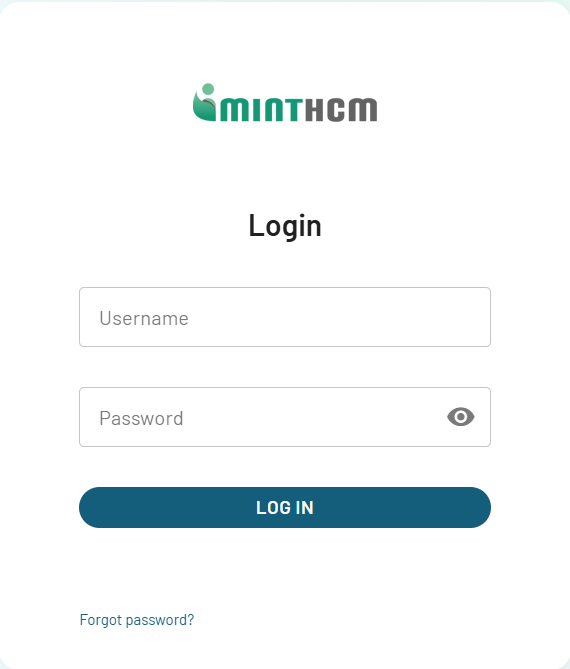
- Log in to your MintHCM instance using an account with administrator privileges (using English during installation is recommended)
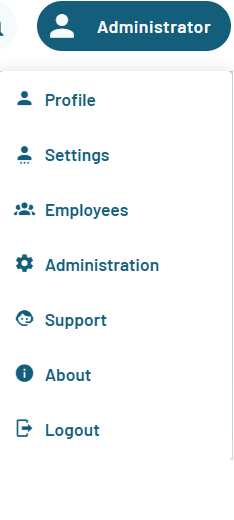
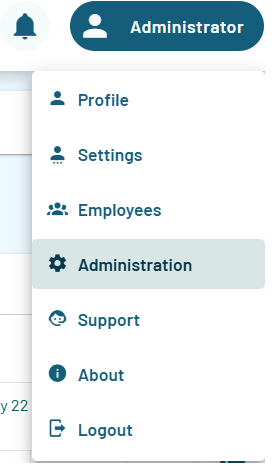
- Open the Admin panel from the main menu (either via the gear icon or the „Admin” entry depending on the theme)
Step 3: Open Module Loader and upload the package
- In the Admin panel, go to the Module Loader
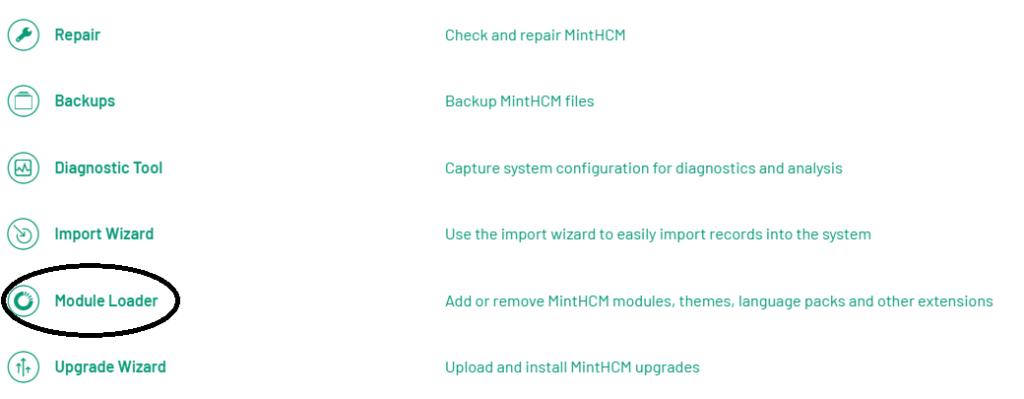
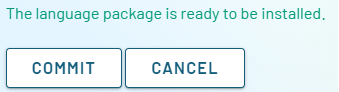
- Select the previously downloaded ZIP language file, click Upload, then, once it appears in the list, click Install and confirm the installation




Step 4: Run Quick Repair and Rebuild
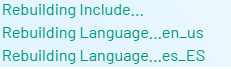
After the installation completes, go to the Repair section in the Admin panel

- Run Quick Repair and Rebuild to rebuild the system cache ensure that the new language labels are loaded correctly

Step 5: Enable the language in system configuration
- In the Admin panel, navigate to System configuration -> Languages
- Make sure the newly installed language appears in the list of enabled languages; in necessary, drag it from the disabled column to the enabled column and save the changes
Step 6: Change the interface language for a user
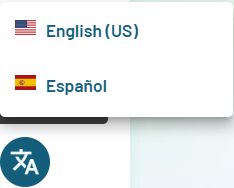
- Each user can choose their preferred interface language in their profile settings (user account -> edit -> Language filed)
- After saving and logging in again, the MintHCM interface will be displayed in the selected language, provided that the corresponding language package contains translations for given labels